Plug in and unlock
Connect the iPhone with a USB cable, unlock it and tap Trust. Windows needs Apple's iTunes or Apple Devices app installed.

Apps
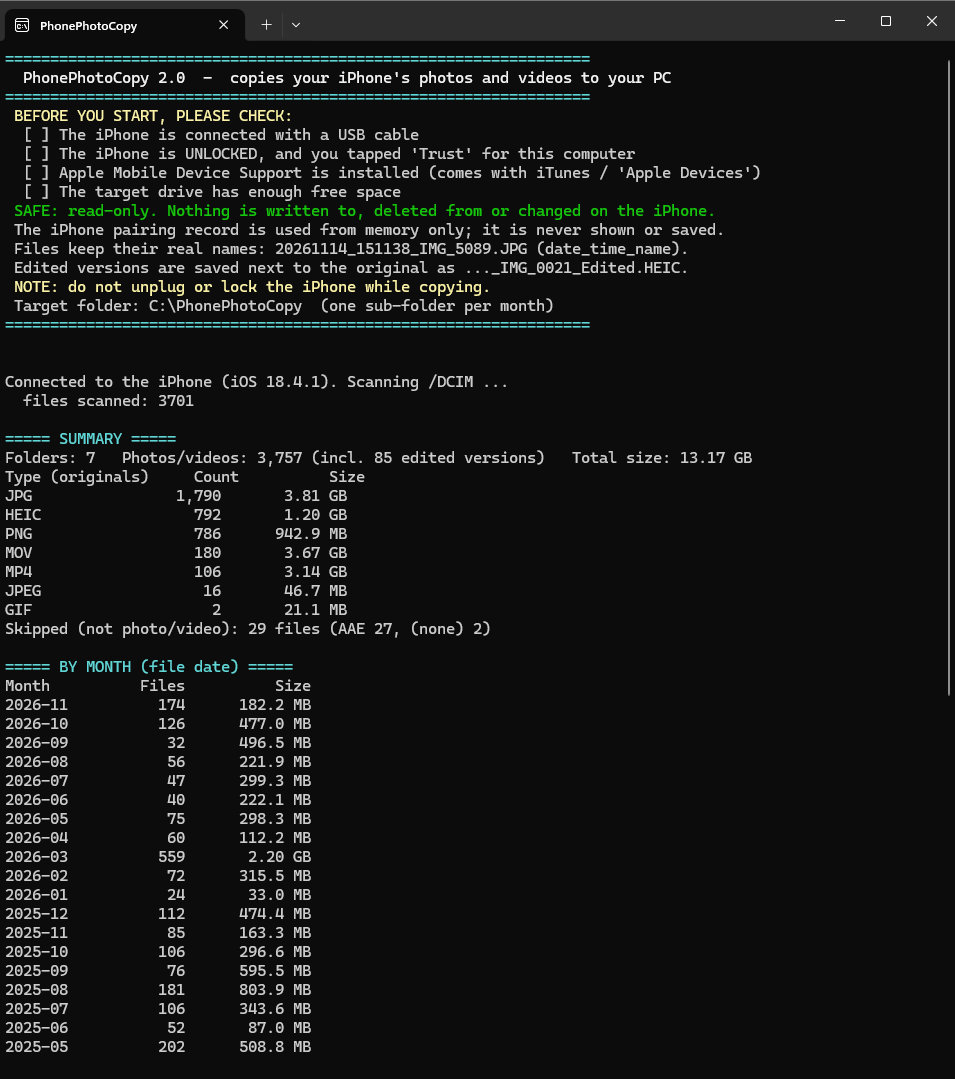
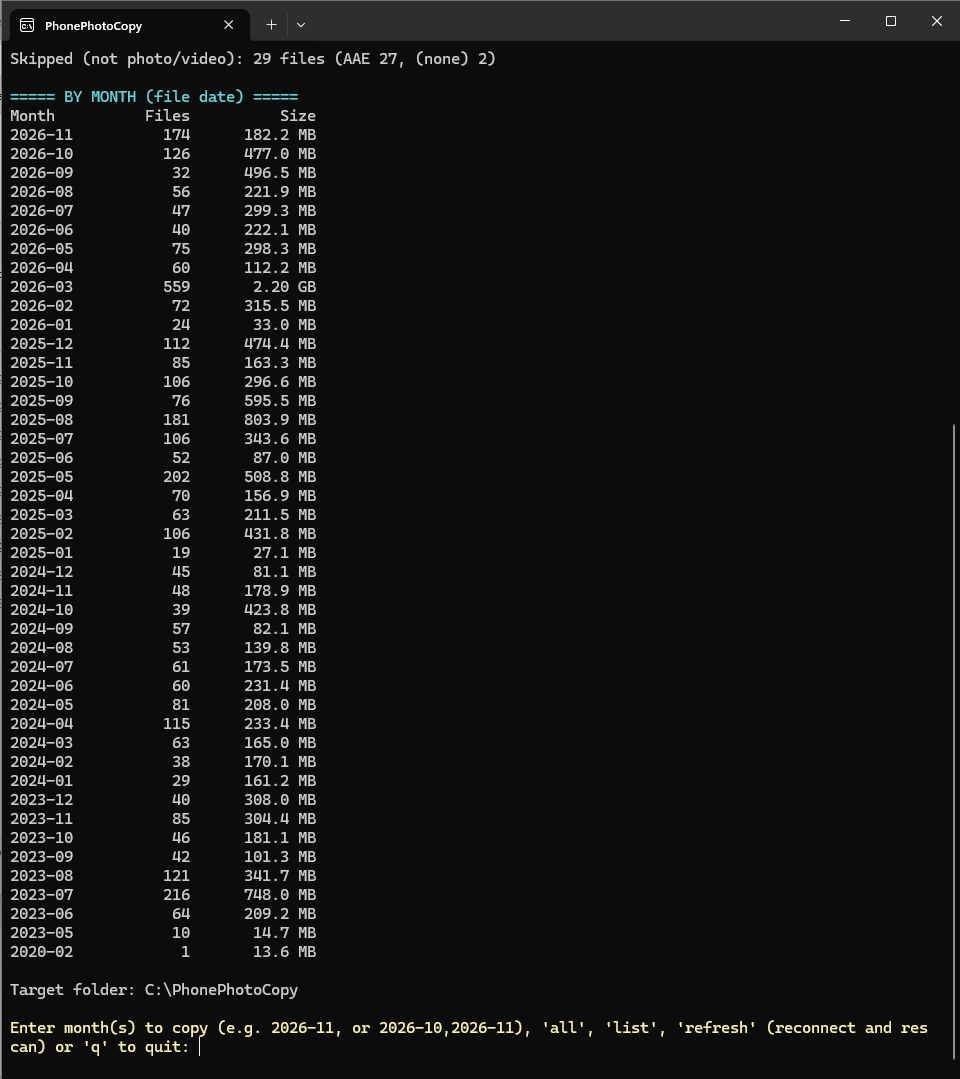
Copy the photos and videos from your iPhone to your Windows PC over USB, month by month. Every file is checked, edited versions are included, and nothing on the phone is changed. Free and open source.

How it works
Connect the iPhone with a USB cable, unlock it and tap Trust. Windows needs Apple's iTunes or Apple Devices app installed.
You see every month of your library with its size. Type one, like 2026-11, or all, and confirm.
Each file is hashed, its size and type are checked, and a wrong extension is fixed. A CSV report keeps the results.
Photos and videos you edited in the Photos app are saved next to the original, with _Edited in the name.
Good to know
Nothing is written to, deleted from or changed on your iPhone.
It never connects to the internet. Your photos stay between your phone and your PC.
Files are named like 20261114_151138_IMG_5089.JPG, so they sort by date and keep the name from the phone.
Photos that exist only in iCloud are not on the phone, so they cannot be copied. The program is not signed, so Windows may show a warning.
Screenshots
Games, products and projects from Rxions Oy and Devrim Vardar.
Our games
Rxions